

A GUIDE TO SUCCESSFUL REMOTE PHOTO CAPTURE
What to Look for in Online Student ID Photo Submission Software
Whether you are moving your campus to online student ID photo submission for the first time or rethinking the workflow you already have, this guide will help you choose the right approach. It covers the three qualities every remote photo capture workflow needs and gives you a quick way to score your own.
What should you look for in student ID photo submission software?
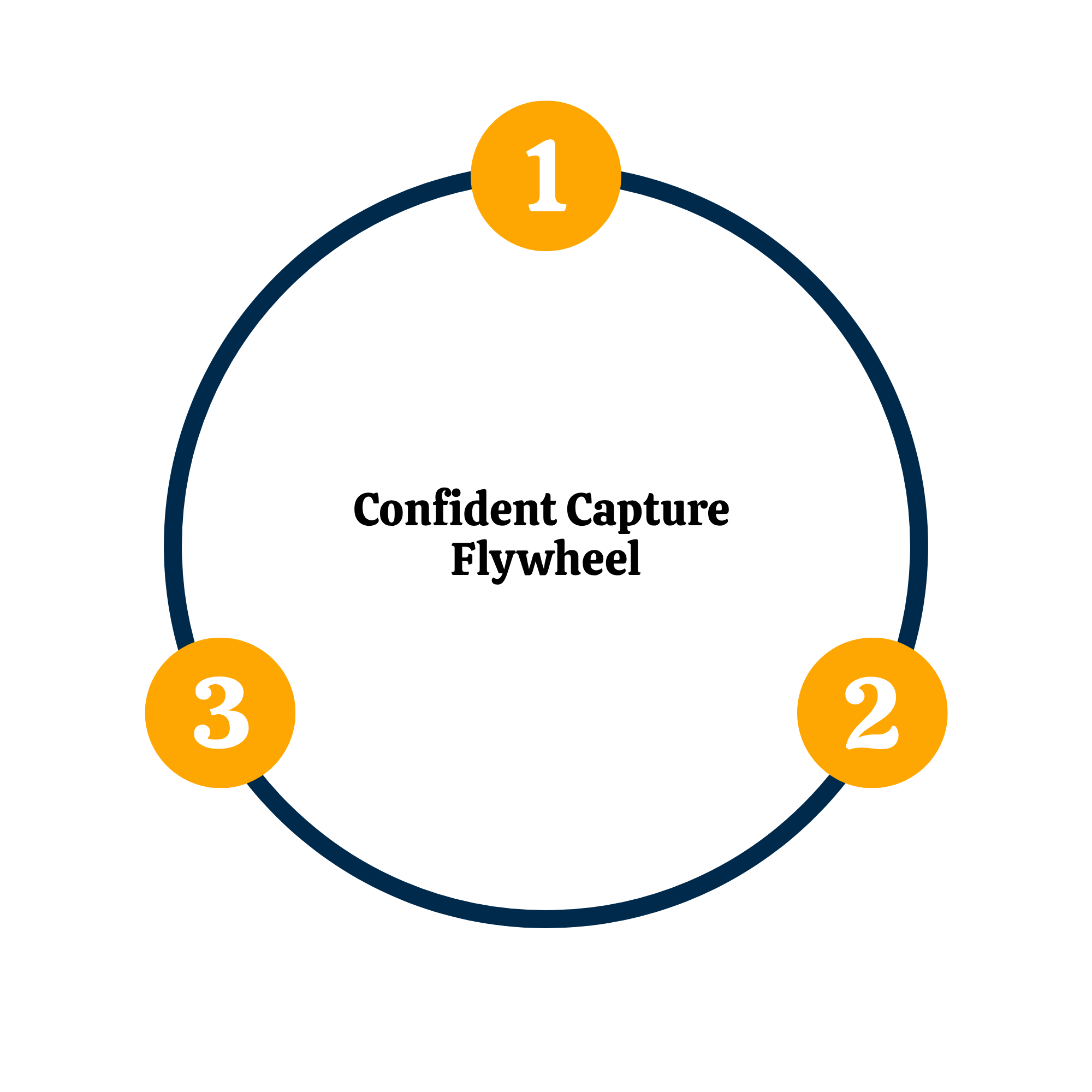
The best student ID photo submission software does three things well. It automates the full photo journey, from inviting students to submit through cropping, background removal, approval, and delivery to your card system, so your staff isn't reviewing every photo by hand. It is future proof, meaning the provider actively maintains and improves it so the workflow keeps running through staff turnover and changes to your campus technology. And it comes with trustworthy guidance from a team whose focus is remote photo capture and who is easy to reach when you need help. We call these three qualities the Confident Capture Flywheel.
A photo workflow should shrink your task list, not grow it.
If you run a card office, lead auxiliary services, or manage campus security, ID photos are one small piece of a very long list. The right remote photo capture workflow takes that piece off your plate, delivering quality student ID photos while cutting the hours your team spends chasing, reviewing, and fixing them, especially around orientation and move-in. You want it to work. Period.
FRAMEWORK